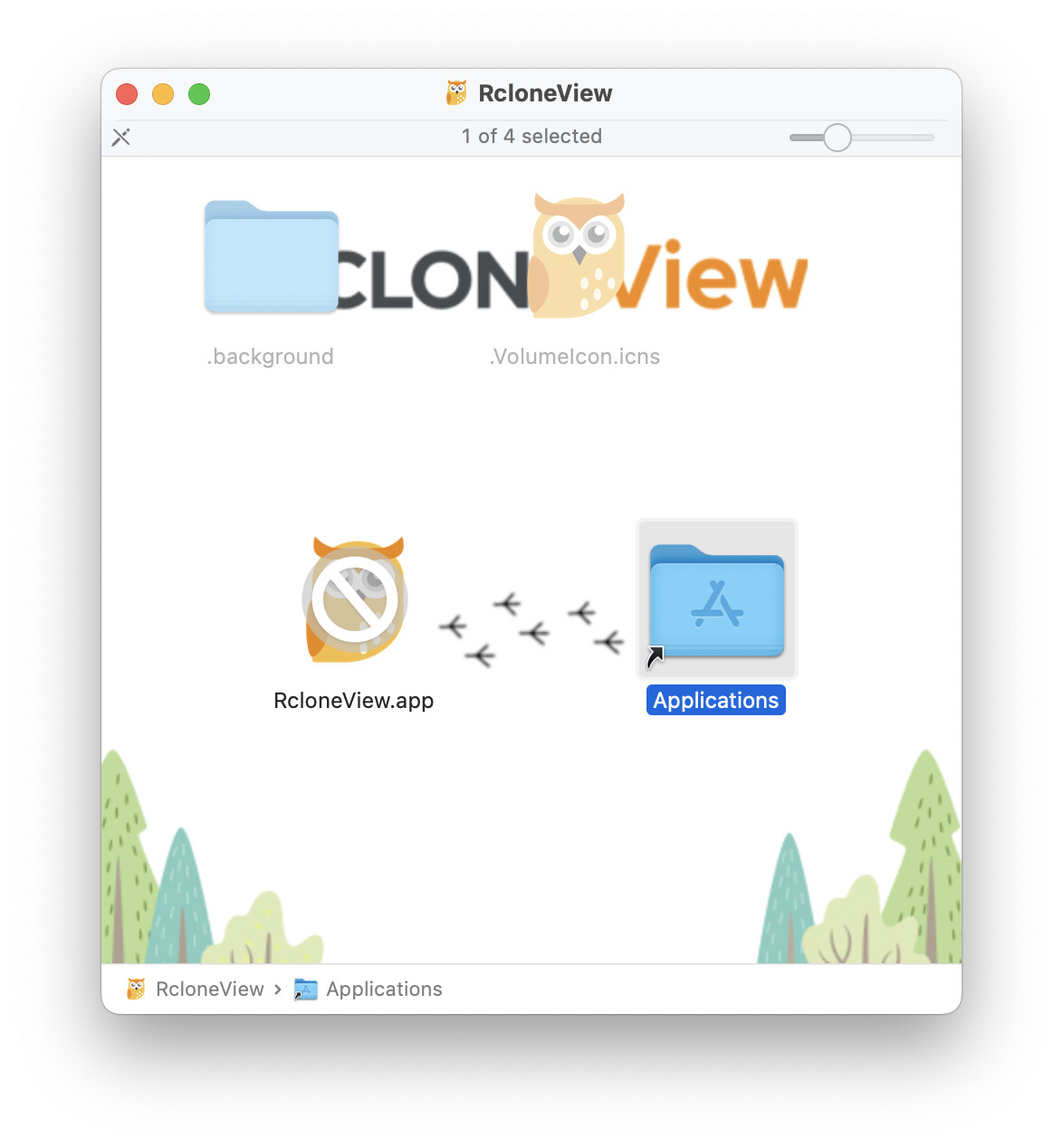
I just purchased RcloneView Plus based on the features it has.
I have been using Rclone a lot lately on my older Intel Mac and it works just fine so I’m surprised to find that RcloneView Plus that I just purchased will not install on my machine.
My question to you (Bdrive lnc.) is there an installer for older Macs that I can download?
I’m thinking that this information should be available (that one needs a Mac with Apple silicon M-series chip) on your web site.
RcloneView does support Intel Macs — we have Intel Macs in our office and regularly test on them as well. So there shouldn’t be an issue running RcloneView on your machine.
Could you let us know what version of macOS you’re running? That will help us look into what might be causing the installation problem. Also, if you’re seeing a specific error message during installation, please share that as well.
We’ll do our best to get you up and running quickly.
Yes, you are right it is not that I have an Intel Mac that is the problem! The problem is that my version of operating system is too old and I can’t upgrade it (at least not officially).
This is the message I get when I try to run the application (I did not try to run it before because of the prohibited signs). Silly me!
You have macOS 12.7.6. The application requires macOS 13.5 or later.
But a notice on the download page regarding required minimum version would have been nice!
I do have planes to purchase a new Macbook Air when Apple releases the M5 version (hopefully this will happen in a couple of weeks from now).
I guess there is no way of getting RcloneView installed on my old machine?
An other question I have (out of curiosity), you are based in South Korea, correct?
Thank you for the detailed information — that clarifies the issue.
You’re right, and we apologize for the inconvenience. The development tools we use to build RcloneView require macOS 13.5 or later, which is why the application has that minimum version requirement. We’ll add a note about the minimum macOS version on the download page — that’s a great suggestion.
We’ll do some research to see if it’s possible to build a compatible binary for macOS 12.7. We can’t make any promises, but we’ll look into it and let you know what we find.
That said, it sounds like a new MacBook Air with the M5 chip would be a great upgrade and would certainly resolve the compatibility issue!
I have tried the new version and it would appear that it works just fine on my old Mac (although I have not tried activating my Plus licence yet).
Thanks for the grate service of compiling the software just for me, I appreciate it very much!
I see that I now have a newer version then the one that is available on your web sight, will you continue compiling for older Macs going on in the future? Or was this a one of just for me and I should hang onto the installer for the future (if I are to install it again on my old computer)?
Great to hear that the new version is working well on your Mac!
The version with macOS 12.7 support will be included in our official releases going forward, so you won’t need to hold onto the installer — you’ll always be able to download the latest version from our website.
We intend to keep supporting macOS 12.7 as long as there are no major issues. However, if we ever need to drop support for it in the future, we’ll make sure to post a notice on our download page well in advance so you’ll have plenty of time to prepare.
Please don’t hesitate to reach out if you have any questions or run into any issues.