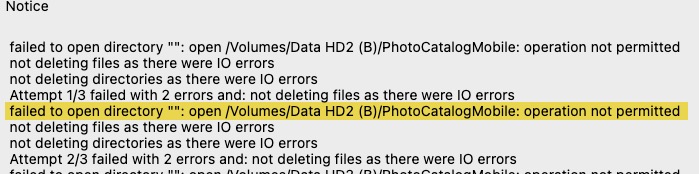
rclone view cannot see files on external drives on my mac. I can go to command line and run an rclone “sync” from there, but the GUI is not allowed to.
Usually, macOS pops up a dialogue asking if you want to grant an app right to an external drive or a folder like the documents folder. But in this case, i get no prompt and my scheduled jobs fail because they can’t access the folders they need.
Is there a way to make macOS prompt me to allow rcloneview necessary disk access?