Hi @Pablo-dra, and @Beslikiy — sorry for the very late reply. We have now reproduced this on a FileLu test account, and here is what we found.
Why only the big files got renamed
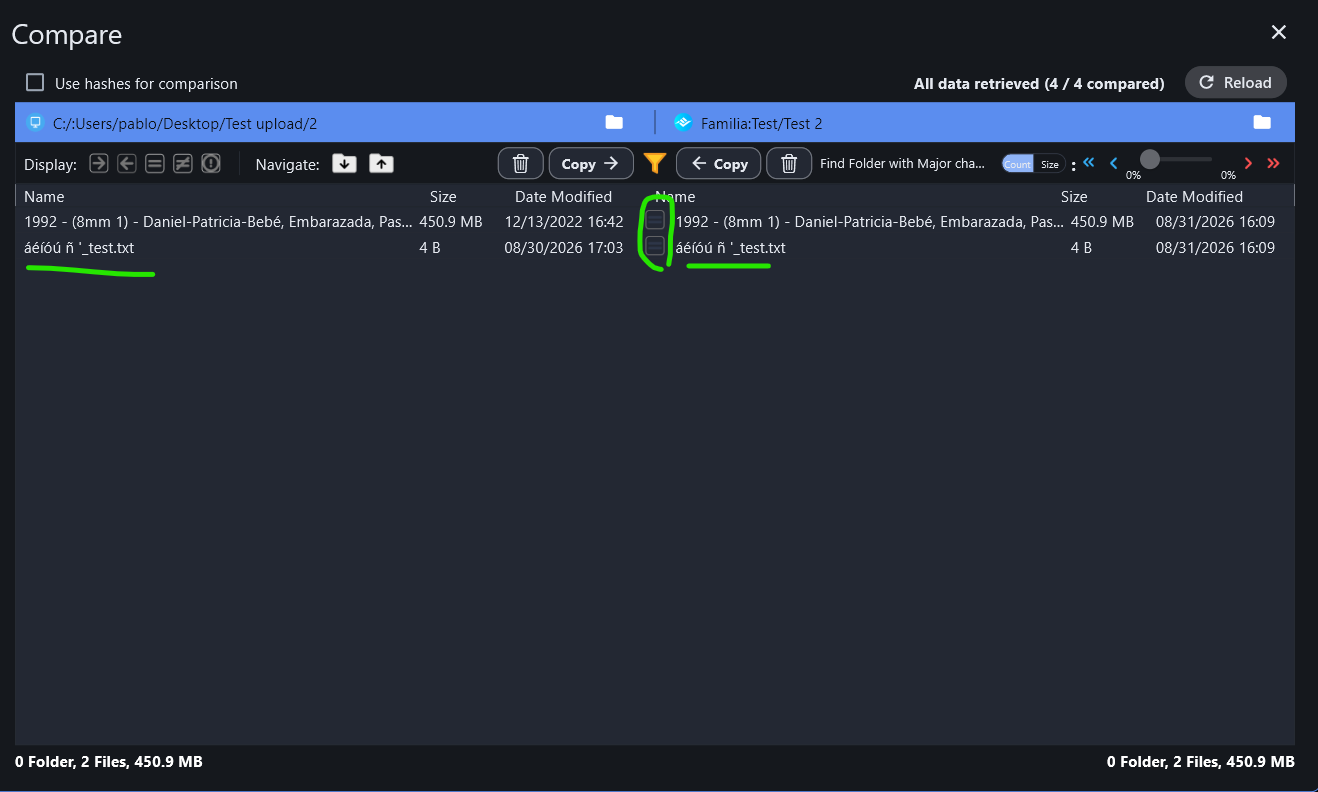
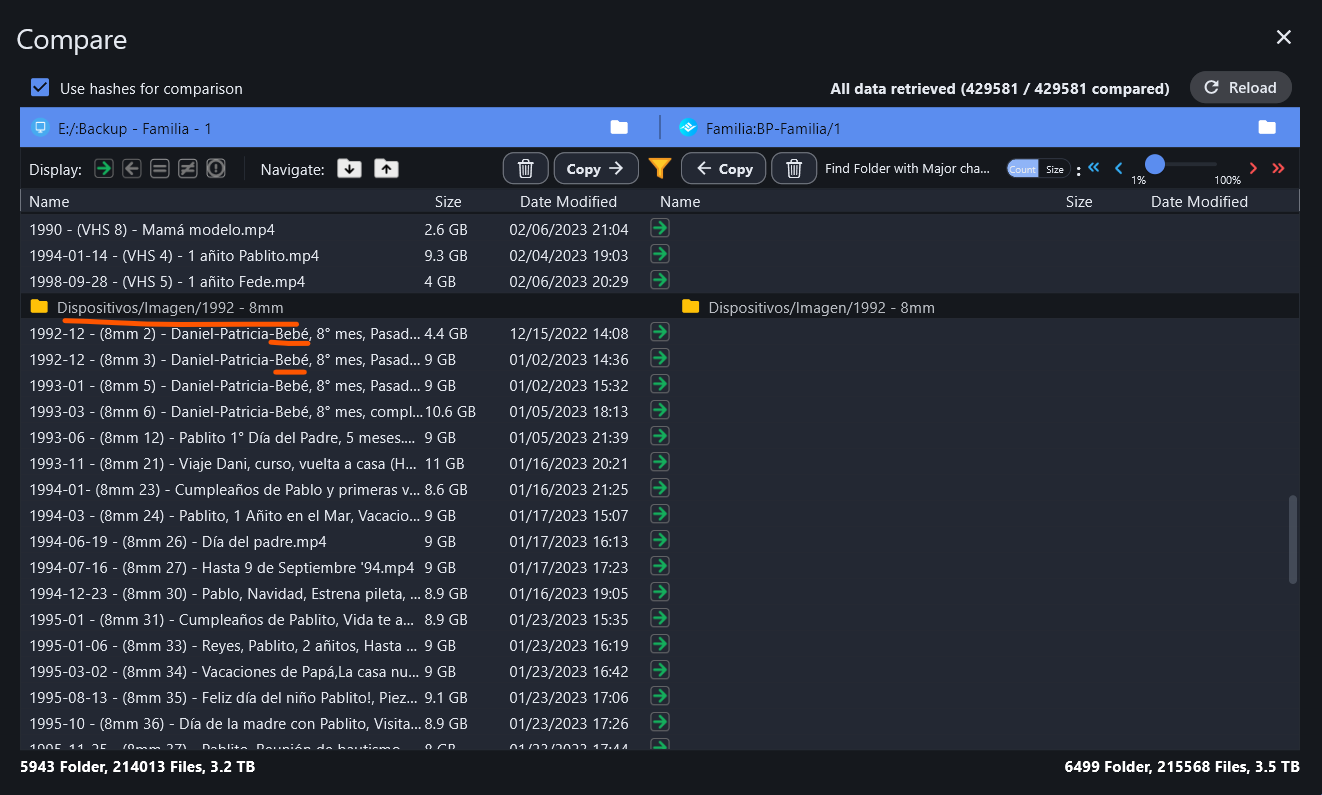
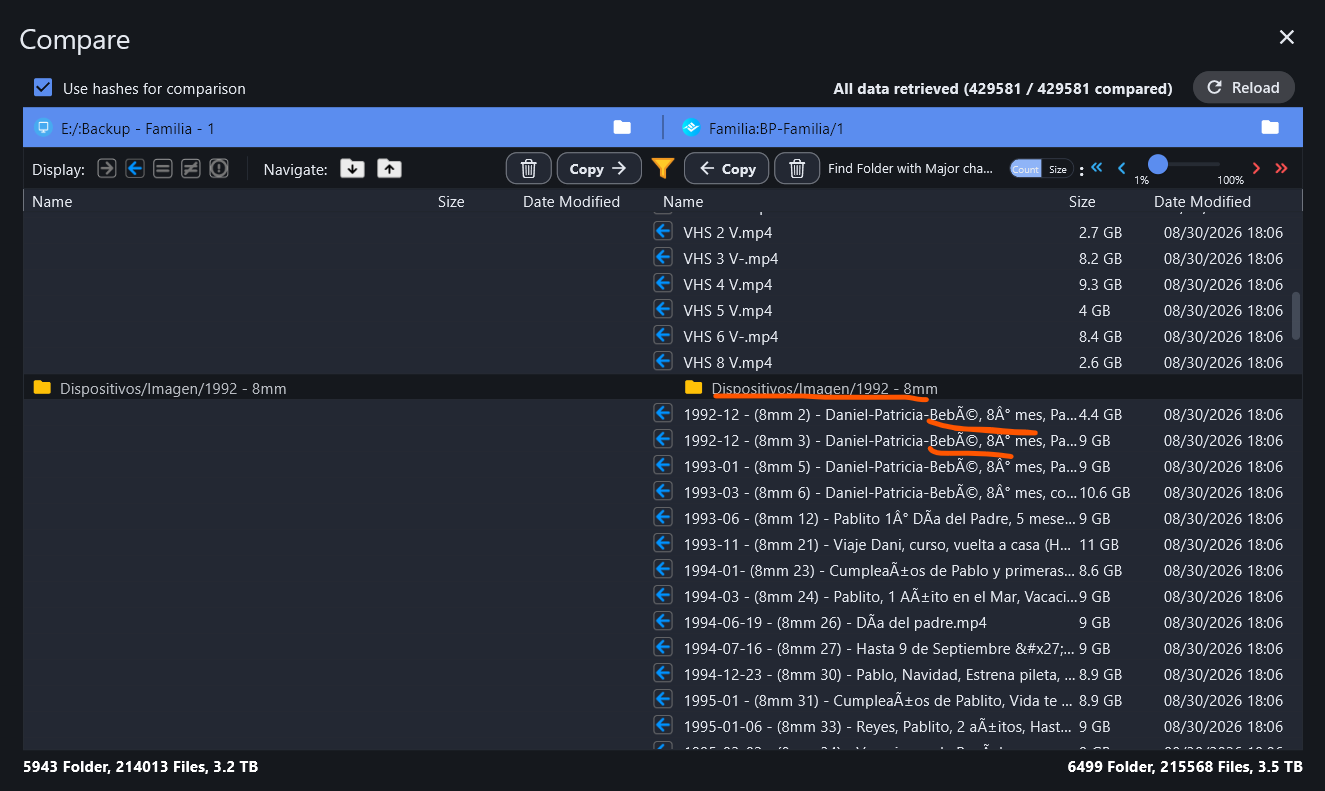
RcloneView uploads to FileLu through rclone, and rclone sends files larger than 500 MiB to FileLu in a different way than smaller files. That is why your 4 KB and 400 MB files kept their names and the 9 GB ones did not. Once a name is changed on FileLu, the next sync no longer recognizes the file, so it uploads it again.
We tested the same names (é, ñ, í, °, ') with both the older rclone and the current one, including a large file with default settings, and the names now come through correctly every time. So this looks like something that has since changed on FileLu’s side.
The empty nested folders
This was a bug in the rclone version bundled at the time: for large files it created a copy of the destination path inside itself (for example BP-Familia/1/BP-Familia/1/Dispositivos/...). It is fixed in rclone 1.75.1, which RcloneView 1.6.8 includes. The Multithread upload setting doesn’t affect FileLu uploads either way, so changing it won’t make a difference.
Cleaning up what is already on FileLu
- Update to RcloneView 1.6.8.
- On the FileLu website, delete the renamed copies that contain
' (they come from names with an apostrophe, e.g. Hasta 9 de Septiembre '94.mp4). RcloneView can’t delete these, and while one is left, the sync ends with an error and skips removing the empty folders.
- In Job Manager, run your sync job with Dry run first. It should list the renamed copies for deletion and the originals for upload. If that looks right, run it normally. The large files with special characters will be uploaded once more, this time with their correct names, and the empty nested folders are removed at the end of the run.
Please check this before relying on the backup
While testing, we found two problems with downloading from FileLu. We’ve reported the second one to the rclone project (filelu: files above upload_cutoff are stored with unencoded names and can't be downloaded or deleted afterwards · Issue #10073 · rclone/rclone · GitHub) and reported the first one to FileLu:
- Files with
( or ) in the name can’t currently be downloaded from FileLu through RcloneView, whatever their size. FileLu answers “No file found”. Most of your video names contain parentheses, so please don’t count on restoring them through RcloneView for now. Please also check that you can download one of them from the FileLu website.
- Files larger than 500 MiB whose names contain any of
' ! # $ % ; [ ] or a backtick, or that start with ~, upload and show up normally, but can’t be downloaded or deleted through RcloneView afterwards.
We’ll post here when either of these is fixed.
@Beslikiy, if you’re seeing something similar, could you tell us your RcloneView version, your cloud storage provider and an example file name? It may be a different issue.